


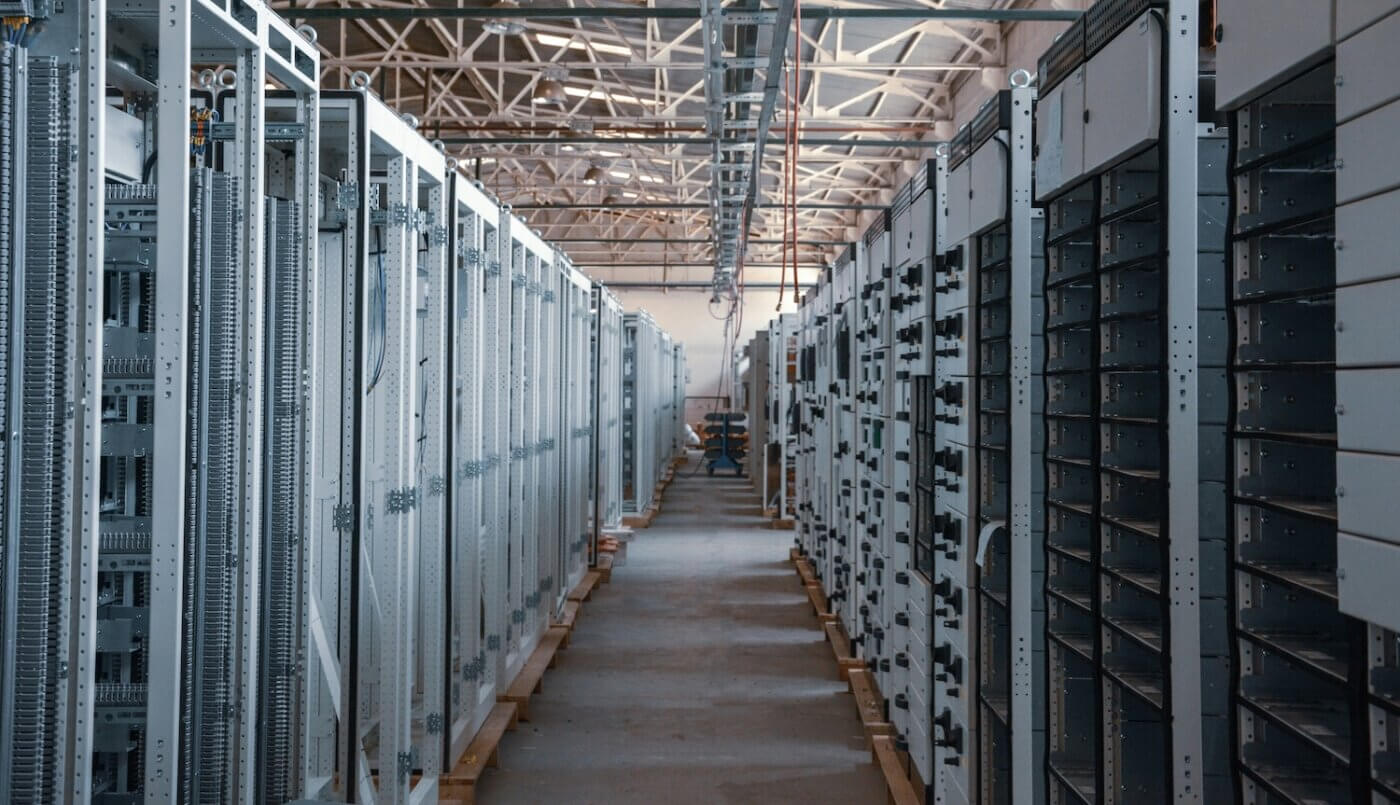
Data Center Physical Security
A Checklist for Facility Managers
Data centers house the equipment that businesses depend on to keep their systems running. Protecting these facilities requires more than security cameras and locked doors. Facility managers also need to control who enters the building. They must make sure employees know how to respond if something goes wrong.
At Marksman Security, we understand that data center physical security comes with its own challenges. Contractors need access for repairs, equipment moves in and out, and critical systems must remain protected around the clock.
Whether you manage a small facility or a large data center, this data center security checklist can help you review your current security measures and identify areas that need attention.
1. Identify Security Risks Around Your Facility
Every data center has different security needs. Before changing your security program, take time to review how your facility operates and where potential risks exist.
Start with a walkthrough of the property. Pay attention to building entrances, parking areas, loading docks, and rooms that contain critical equipment.
Consider whether:
- Restricted areas are clearly identified.
- Previous security incidents have been reviewed.
- Recent construction or staffing changes have created new concerns.
- Employees know how to report security problems.
Talk with your security team and facility staff about recurring issues. They may notice problems that aren’t obvious during a routine inspection.
Once you’ve identified concerns, decide which improvements should come first.
2. Secure Building Entrances and Outdoor Areas
Good data center physical security begins outside the building.
Fences, gates, exterior doors, and lighting all help control access to the property. However, these measures need regular inspections to remain effective.
For example, a gate that doesn’t close properly can increase security risks. A door left open for deliveries can also pose risks.
Review your facility’s exterior and confirm that:
- Doors and gates close and lock properly.
- Lighting provides good visibility around entrances.
- Deliveries use approved receiving areas.
- Employees report damaged locks or unsecured doors.
Also consider how these areas operate after hours. Security procedures should never block required emergency exits or prevent authorized emergency responders from entering the property.
3. Review Employee Access Permissions
Not everyone who works in a data center needs access to every room. Effective data center access control limits entry to employees and contractors with permission to enter specific areas.
Review how your facility issues access credentials and how often you update permissions.
Your procedures should address:
- Individual badges or credentials for authorized personnel
- Access restrictions for sensitive equipment rooms
- Reporting lost or stolen credentials
- Removing access when employees leave
- Updating permissions when job responsibilities change
Your facility’s requirements may differ, but the goal is the same: people should only have access to the areas they need.
4. Establish Clear Visitor and Contractor Procedures
Data centers often rely on outside contractors for maintenance and equipment repairs. These visitors may need access to sensitive areas. So, use a consistent process. This process should approve and monitor their visits.
Before letting someone into the facility, security staff should confirm their identity. They should also verify that the visit is approved.
Your visitor management procedures should include:
- Checking identification and confirming the purpose of the visit
- Recording arrival and departure times
- Explaining which areas visitors may enter
- Providing escorts when required
- Collecting temporary badges before visitors leave
Unexpected visits should also follow a verification process. If a contractor arrives for an emergency repair, security staff should know who can approve access. They should confirm approval before allowing entry to restricted areas.
5. Check Security Cameras and Alarm Systems
Cameras and alarms are important parts of data center physical security, but installing equipment is only the first step.
Facility managers should regularly review whether these systems work and provide the coverage they need.
Start by checking cameras near entrances, loading areas, and restricted equipment rooms.
Then consider what happens when an alarm is triggered.
Ask your team:
- Are cameras and alarms functioning properly?
- Are there areas that cameras can’t see?
- Who receives security alerts?
- How quickly can someone respond?
- Can recorded footage be accessed when needed?
It’s also worth reviewing camera placement after renovations or building changes.
6. Give Security Officers Clear Responsibilities
Security officers need to understand the specific requirements of the data center they’re protecting. Their responsibilities may include monitoring entrances, checking credentials, conducting patrols, and responding to alarms.
For example, what should an officer do if someone follows an employee through a secured entrance without presenting credentials? What happens when a contractor requests access to an area that isn’t included in their scope?
These situations should have clear procedures so officers don’t have to make decisions without guidance.
At Marksman Security, our data center security services include facility access control, mobile patrols, CCTV monitoring, and alarm response. We work with facilities to support security procedures that reflect their operations and access requirements.
7. Monitor Equipment Deliveries and Removal
Servers and other data center equipment may need to be delivered, replaced, or removed during regular operations.
Without clear procedures, it can be difficult to track which equipment is entering or leaving the facility. Your security program should establish how these movements are approved and documented.
Consider whether:
- Deliveries are scheduled with an authorized contact.
- Equipment removal requires approval.
- Receiving areas are monitored during deliveries.
- Equipment transfers are properly documented.
- Contractors understand what they’re authorized to move.
Employees should also know what to do when equipment arrives without notice. They should also know what to do if someone tries to remove an item without approval.
These procedures can help protect valuable equipment while allowing maintenance teams to complete their work.
8. Prepare for Emergencies and Security Incidents
Even a well-managed data center can experience unexpected problems. Facility managers should ensure employees and security staff know how to respond to unauthorized entry.
Start by reviewing your emergency contact lists and communication procedures. Who contacts emergency services? How are facility managers notified after hours?
What happens if the responsible person isn’t available? Make sure these responsibilities are clearly documented.
Regular training and emergency exercises can also help identify problems before an actual incident occurs. After an emergency or security concern, review what happened and determine whether any procedures need to change.
Strengthen Your Data Center Security With Marksman Security
A data center security checklist is a useful starting point, but maintaining a secure facility requires ongoing attention. Some improvements may be simple, such as updating access permissions or repairing a damaged door. Others may involve reviewing staffing needs or updating security equipment.
At Marksman Security, we understand that data centers need security programs that protect critical infrastructure without interfering with daily operations. Our customized security solutions include site security assessments, security policy reviews, and emergency preparedness services.
Whether you’re reviewing your security program or planning facility changes, our team can help you explore options. Visit us at Marksman Security to learn more about our data center security services.
About the author
